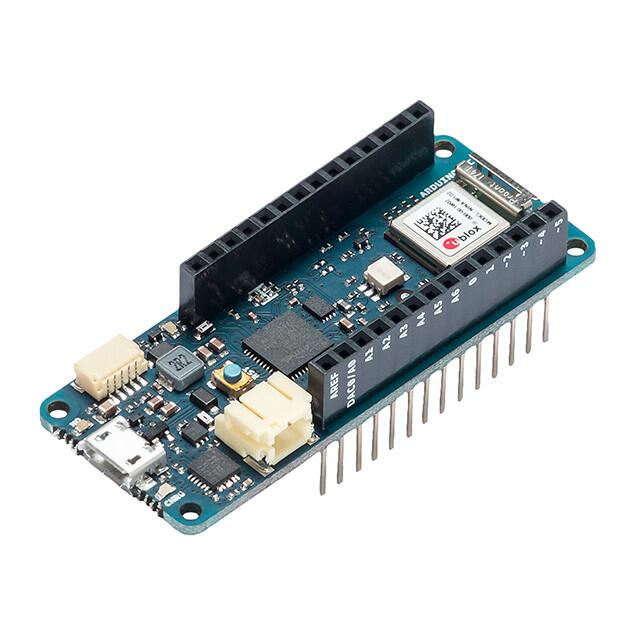
Arduino MKR WiFi 1010 Orijinal - ABX00023
Ürün Açıklaması
Arduino MKR WiFi 1010 Genel Bakış The Arduino MKR WiFi 1010 is the easiest point of entry to basic IoT and pico-network application design. Whether you are looking at building a sensor network connected to your office or home router, orif you want to create a Bluetooth® Low Energy device sending data to a cellphone, the MKR WiFi 1010 is your one-stop-solution for many of the basic IoT application scenarios. The board's main processor is a low power Arm® Cortex®-M0 32-bit SAMD21, like in the other boards within the Arduino MKR family. The WiFi and Bluetooth® connectivity is performed with a module from u-blox, the NINA-W10, a low power chipset operating in the 2.4GHz range. On top of those, secure communication is ensured through the Microchip® ECC508 crypto chip. Besides that, you can find a battery charger, and a directional RGB LED on-board. Arduino IoT Cloud Compatible Use your MKR board on Arduino's IoT Cloud, a simple and fast way to ensure secure communication for all of your connected Things. Official Arduino WiFi Library At Arduino we have made connecting to a WiFi network as easy as getting an LED to blink. You can get your board to connect to any kind of existing WiFi network, or use it to create your own Arduino Access Point. The specific set of examples we provide for the MKR WiFi 1010 can be consulted at the WiFiNINA library reference page. Compatible with other Cloud Services It is also possible to connect your board to different Cloud services, Arduino's own among others. Here some examples on how to get the MKR WiFi 1010 to connect to: Blynk : a simple project from our community connecting to Blynk to operate your board from a phone with little code IFTTT : see an in-depth case of building a smart plug connected to IFTTT AWS IoT Core : we made this example on how to connect to Amazon Web Services Azure : visit this github repository explaining how to connect a temperature sensor to Azure's Cloud Firebase : you want to connect to Google's Firebase, th...
Diğer Mağazalardaki Seçenekler
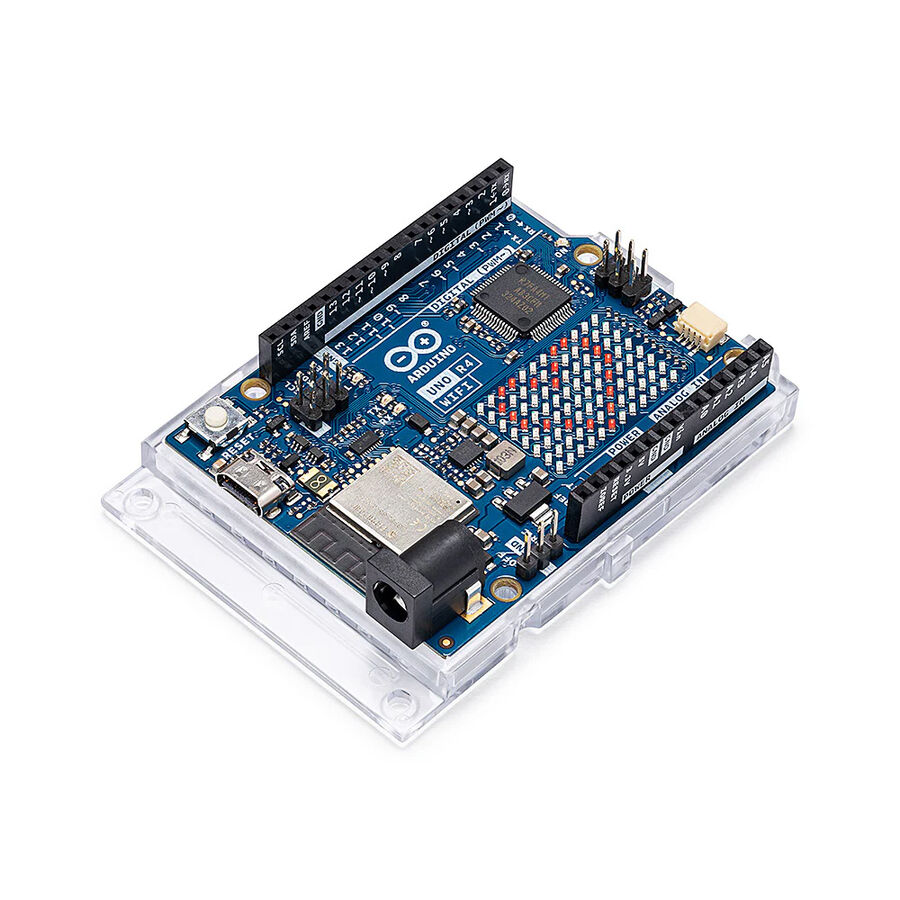
Orijinal Arduino Uno R4 WiFi
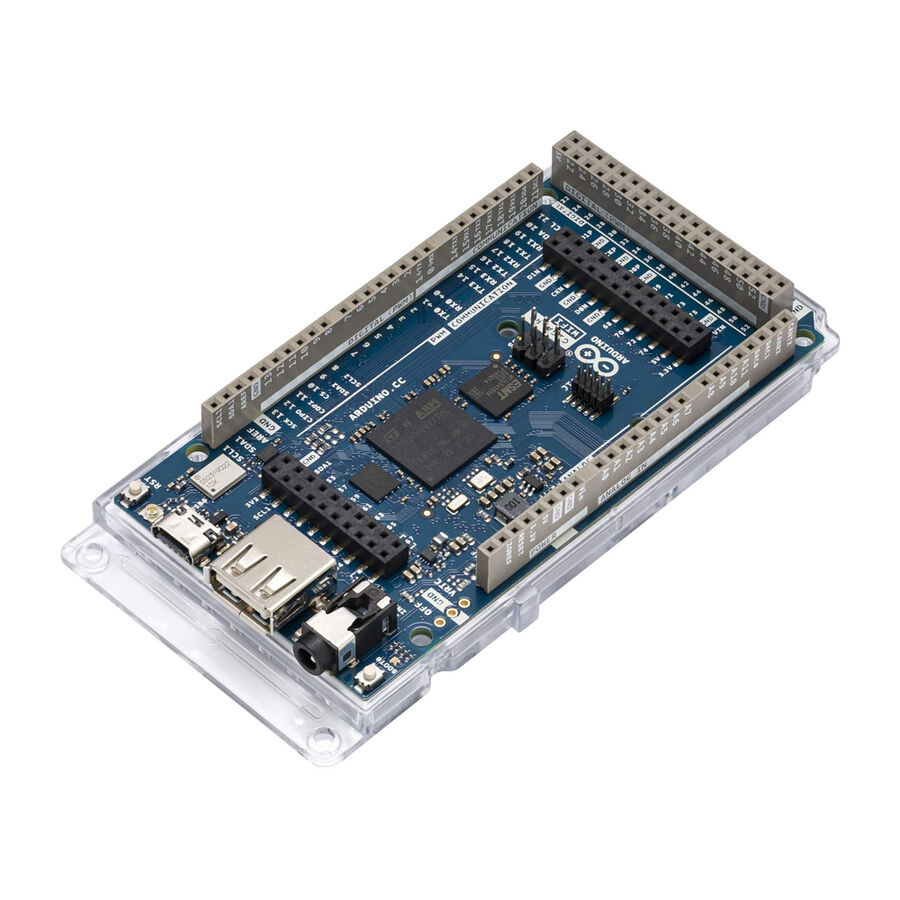
Orijinal Arduino Giga R1 Wifi
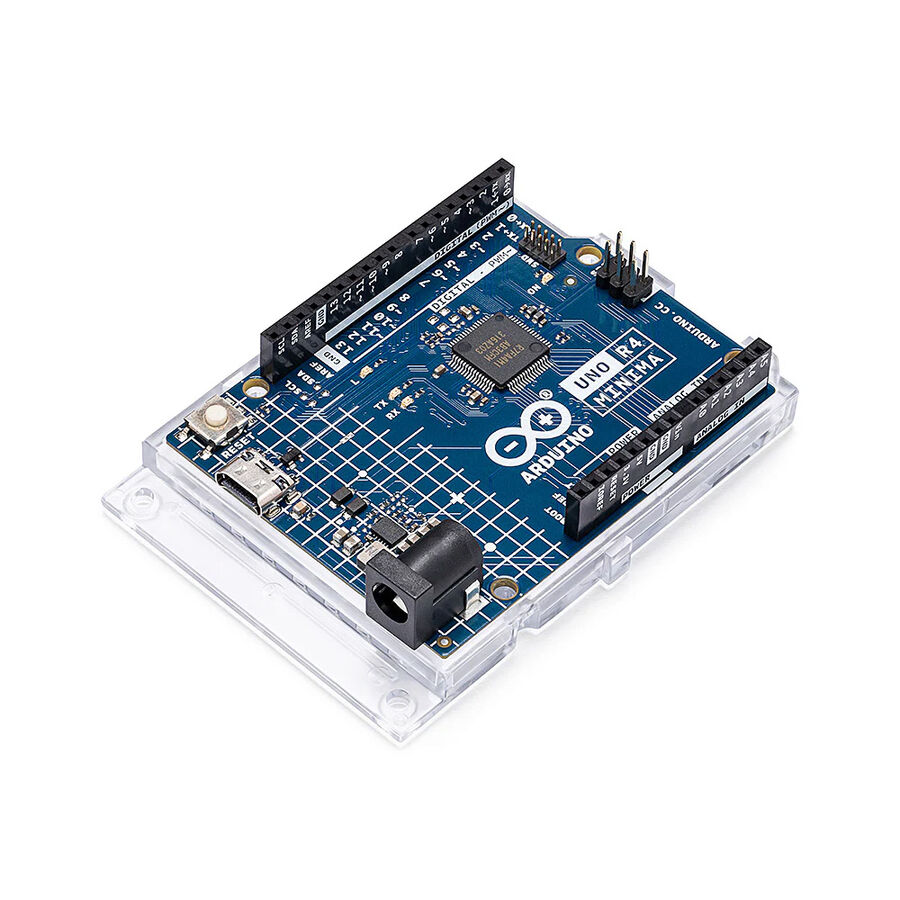
Orijinal Arduino UNO R4 Minima
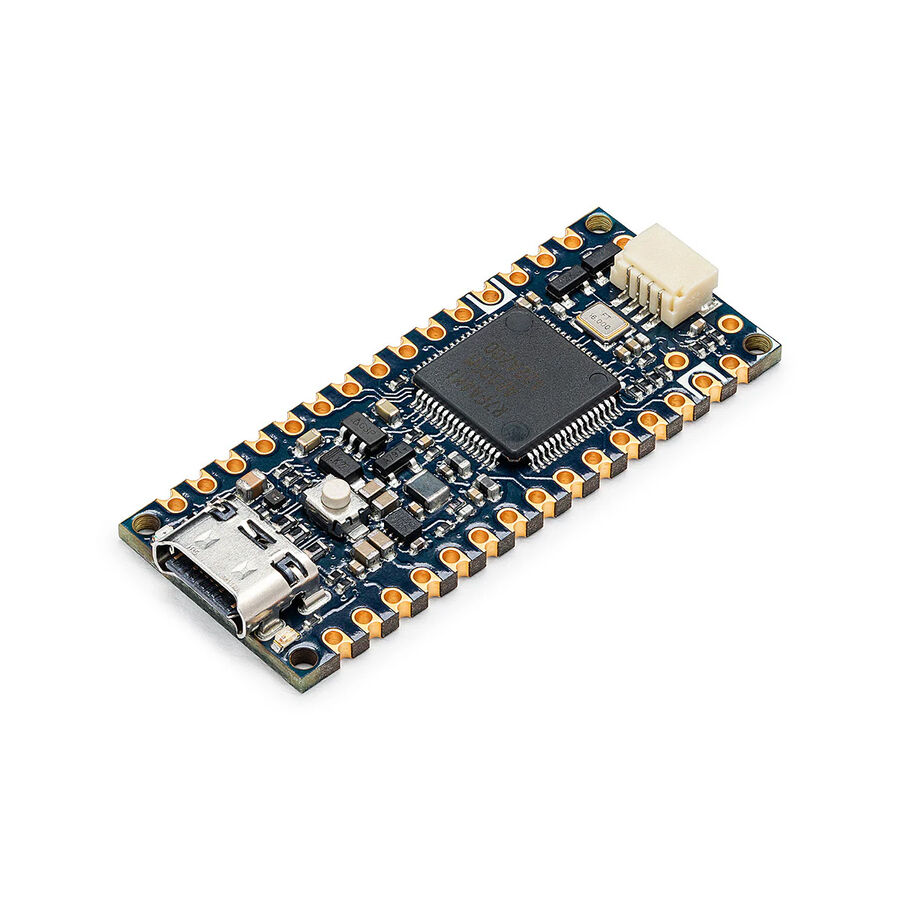
Orijinal Arduino Nano R4
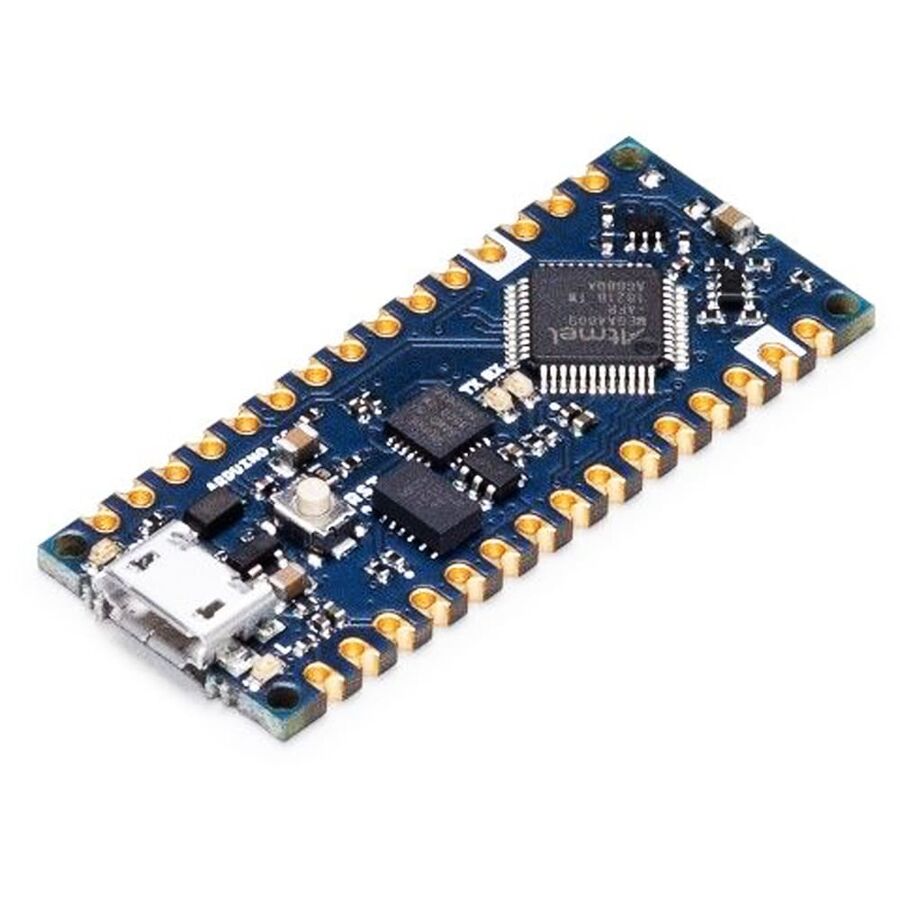
Orijinal Arduino Nano Every
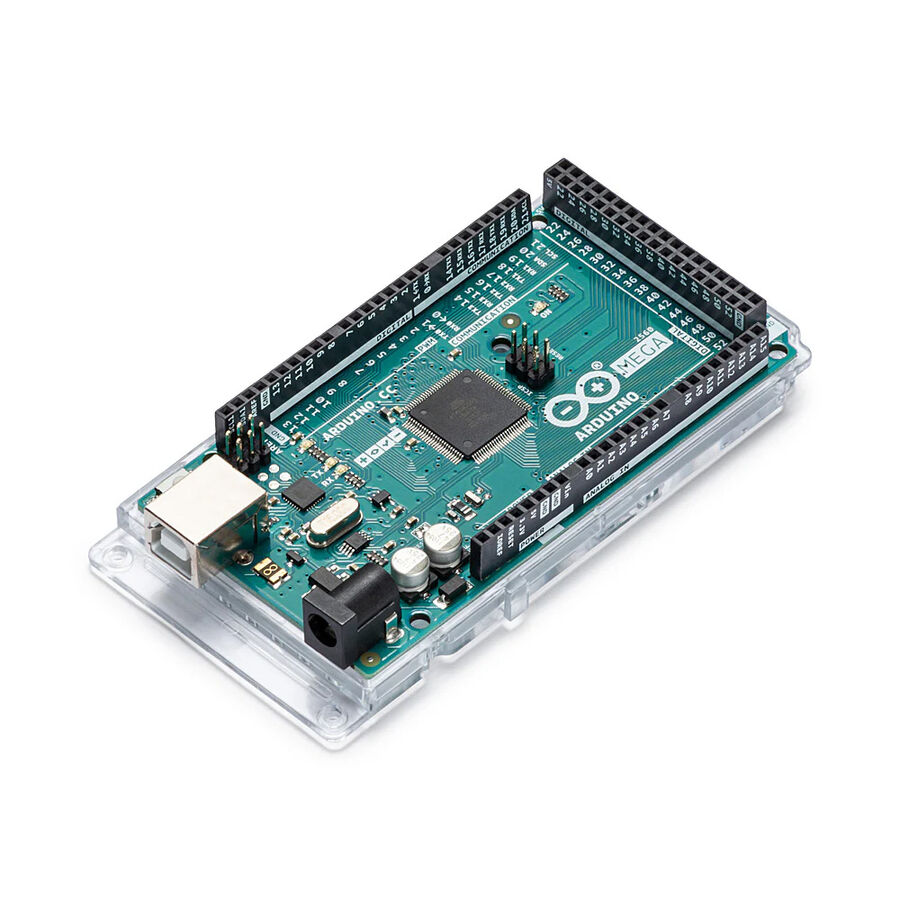
Orijinal Arduino Mega 2560 R3
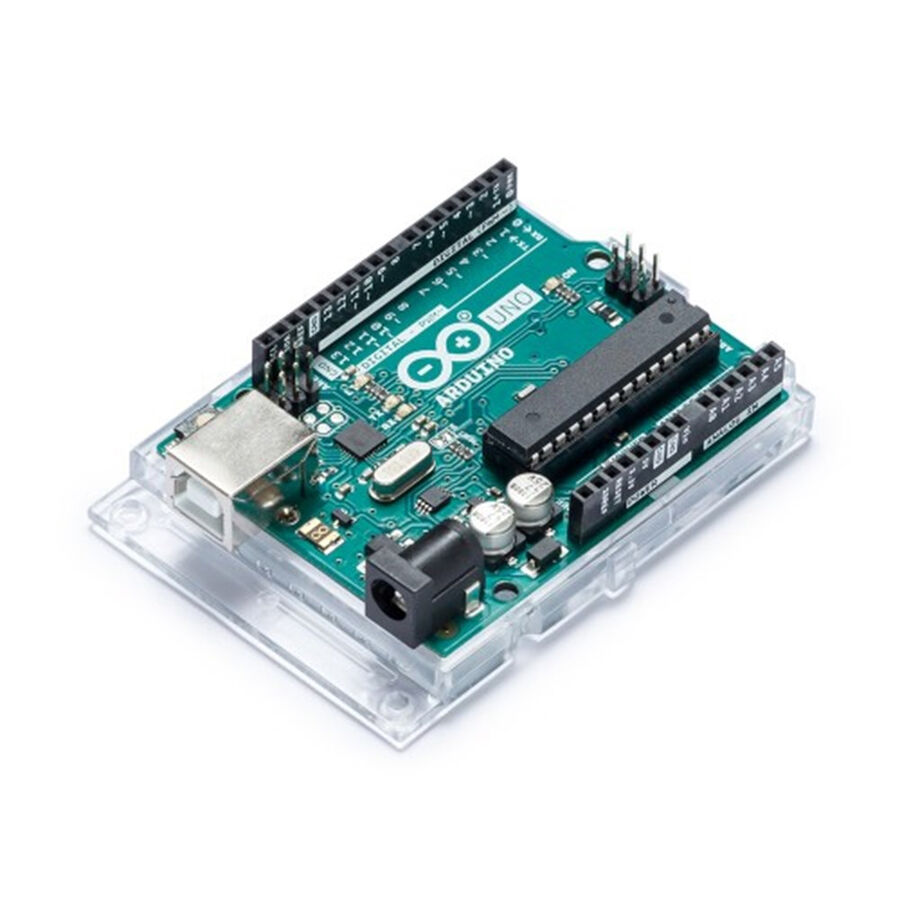
Orijinal Arduino Uno R3
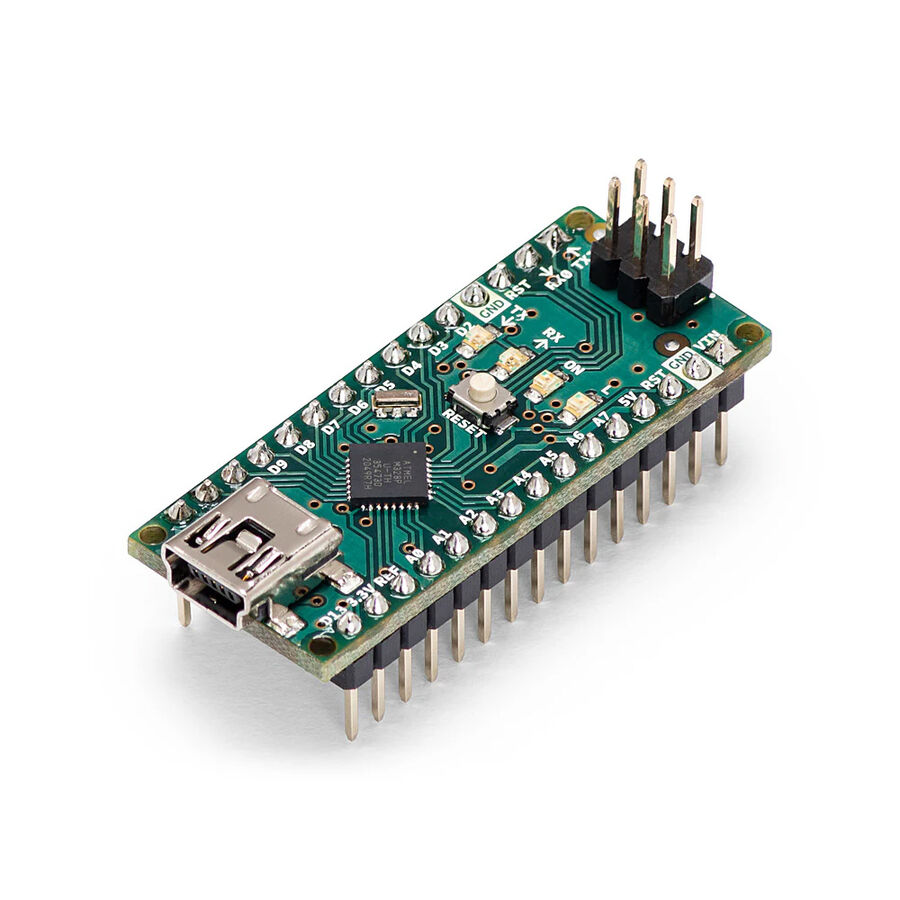
Orijinal Arduino Nano
Orijinal Arduino Micro